EN

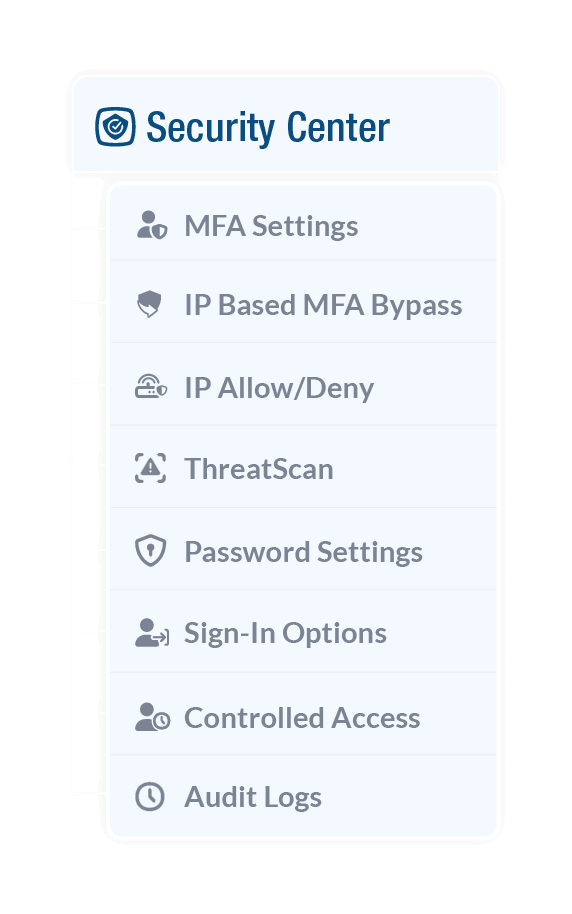
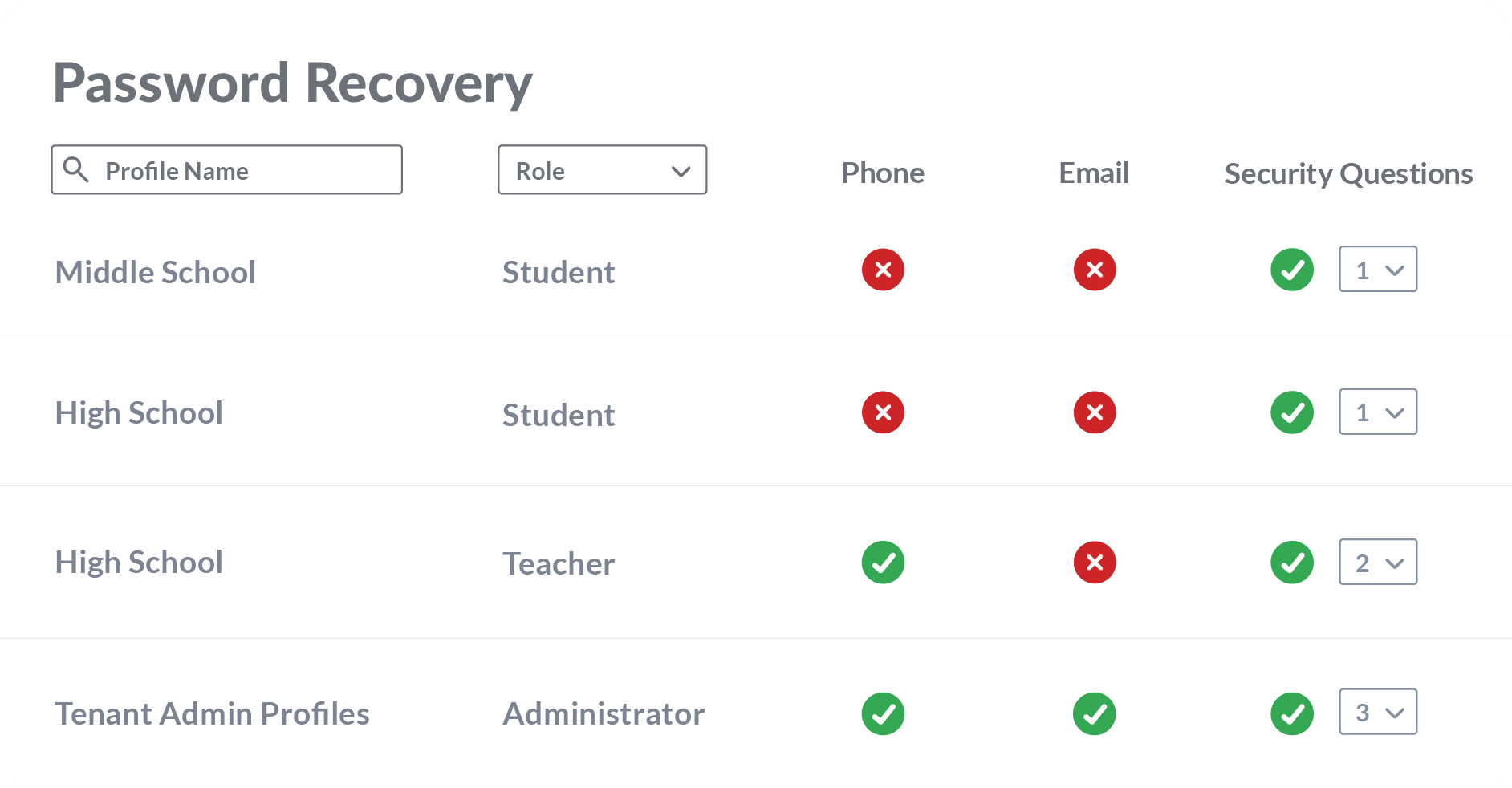
With ClassLink, schools can manage role-based multi-factor authentication (MFA), password recovery, IP-based access, and more, all from within the ClassLink Management Console.
That means stronger protection for every account, without the extra work.
Delegate Google, Active Directory, and Microsoft Entra ID password resets to trusted staff.
Allow trusted IPs and block suspicious ones to control where access can come from.
Control when trusted vendors access your environment and for how long.
Use QR codes for younger students and passkeys for older learners to support safe access at every stage.
See who did what and when in your environment to support accountability and troubleshoot faster.
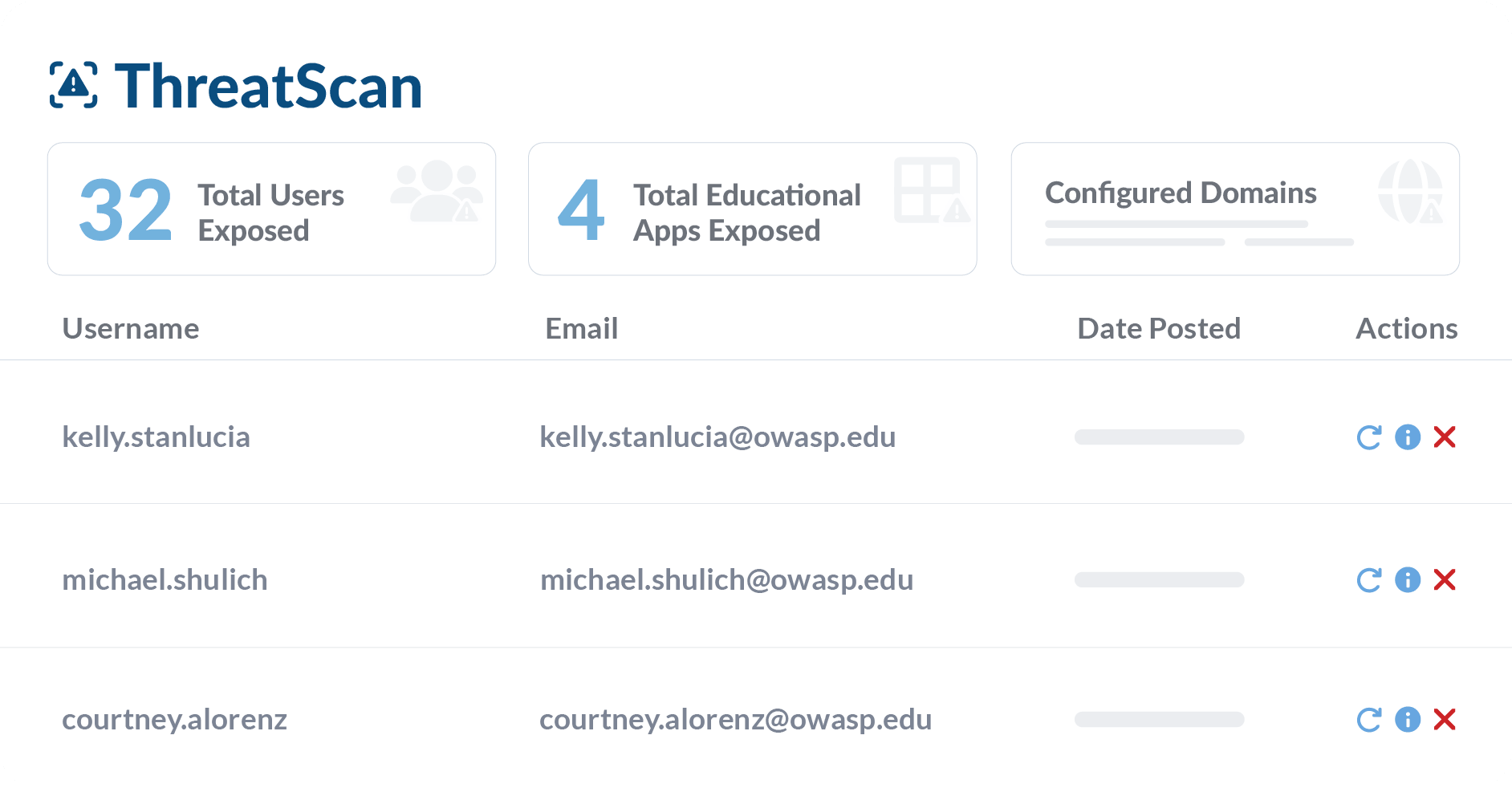
Add ThreatScan to your ClassLink subscription to monitor your domains, measure your risk, and catch exposed credentials before hackers strike.

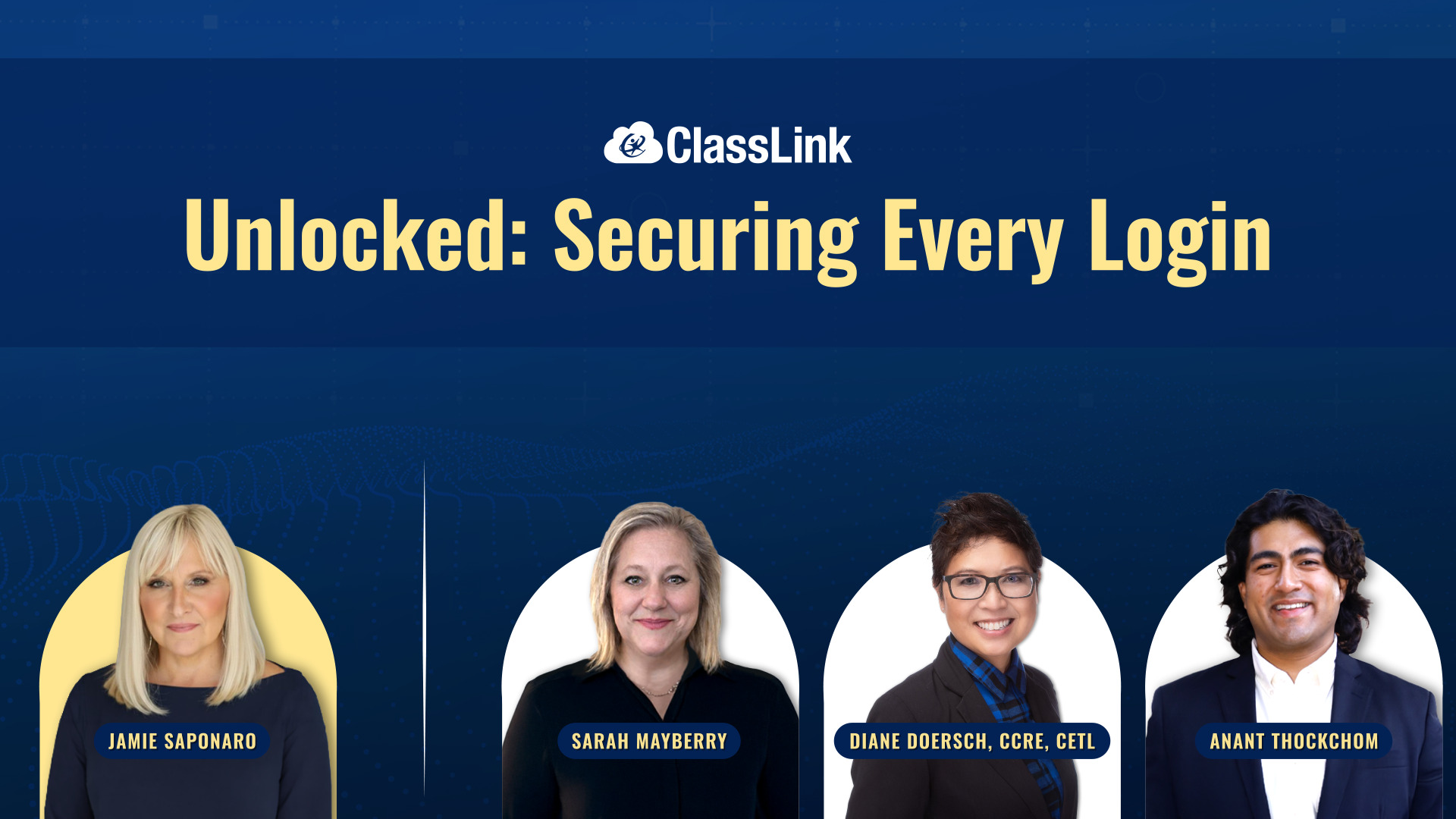
Learn how ClassLink's ThreatScan and Security Center help K-12 districts detect identity-based threats, monitor compromised credentials, and secure every student and staff login in real time.
Watch Now

See how ClassLink reduces risk at every point of access for your students and staff.