EN
Thousands of apps support learning and work, but your day takes you beyond an app library. That’s why ClassLink lets you add your own links alongside 6,000+ secure single sign-on connections. Everyone gets a familiar home base for the apps and resources they need.
Everyone has different priorities, but finding the right digital resources shouldn’t complicate the day. From class resources to security controls, LaunchPad gives students, faculty, tech teams, and school leaders secure access to what they need.

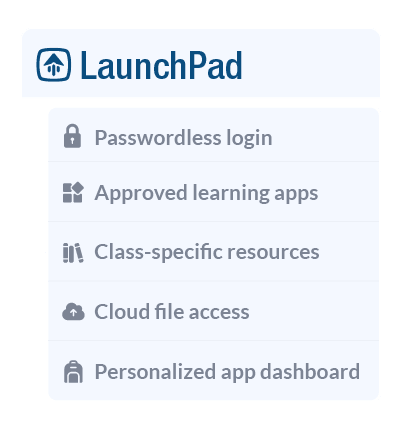
Whether they’re 5 or 25, students have sign-in options that fit their needs. Once signed in, their apps and learning resources are all in one familiar home base.
Students can also find course-specific apps in My Classes and access school and cloud files through My Files without switching between accounts.

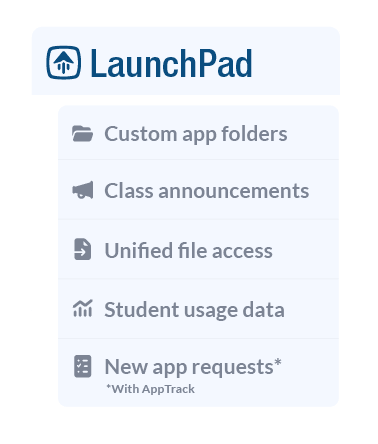
Everyone in education knows faculty and curriculum leaders have a wish list. LaunchPad lets them organize the resources they already use and request the tools they’d like to add through AppTrack.
While My Classes offers course-specific apps to students, faculty have access to student usage data that can guide instructional decisions.


Tech teams keep everyone connected. LaunchPad gives them the controls to make it happen, from assigning apps and setting security policies to letting trusted staff handle routine support. Automated account management and rostering are also included through OneSync and Roster Server.


A branded LaunchPad experience gives students and staff a familiar place to start, while ClassLink Analytics helps leaders see which resources they actually use to inform support, spending, and renewals. Through the Public Portal, the wider community can explore approved resources and review their privacy policies.
Organize class resources in custom dashboards so students can quickly find what they need.
Search and organize files from multiple accounts in one place, even when they’re with the same provider.
Provide a place for your community to explore approved digital resources and their privacy policies.
Give families a LaunchPad experience with access to their child's grades, apps, and school resources.
Protect student and staff accounts with layered MFA, password policies, and IP-based restrictions.
AppTrack gives a structured workflow for software evaluation. Staff request the tools they want and reviewers work through security, budgets, and approvals in one place.



Discover how LaunchPad brings resources together in one secure home base.